
- Company
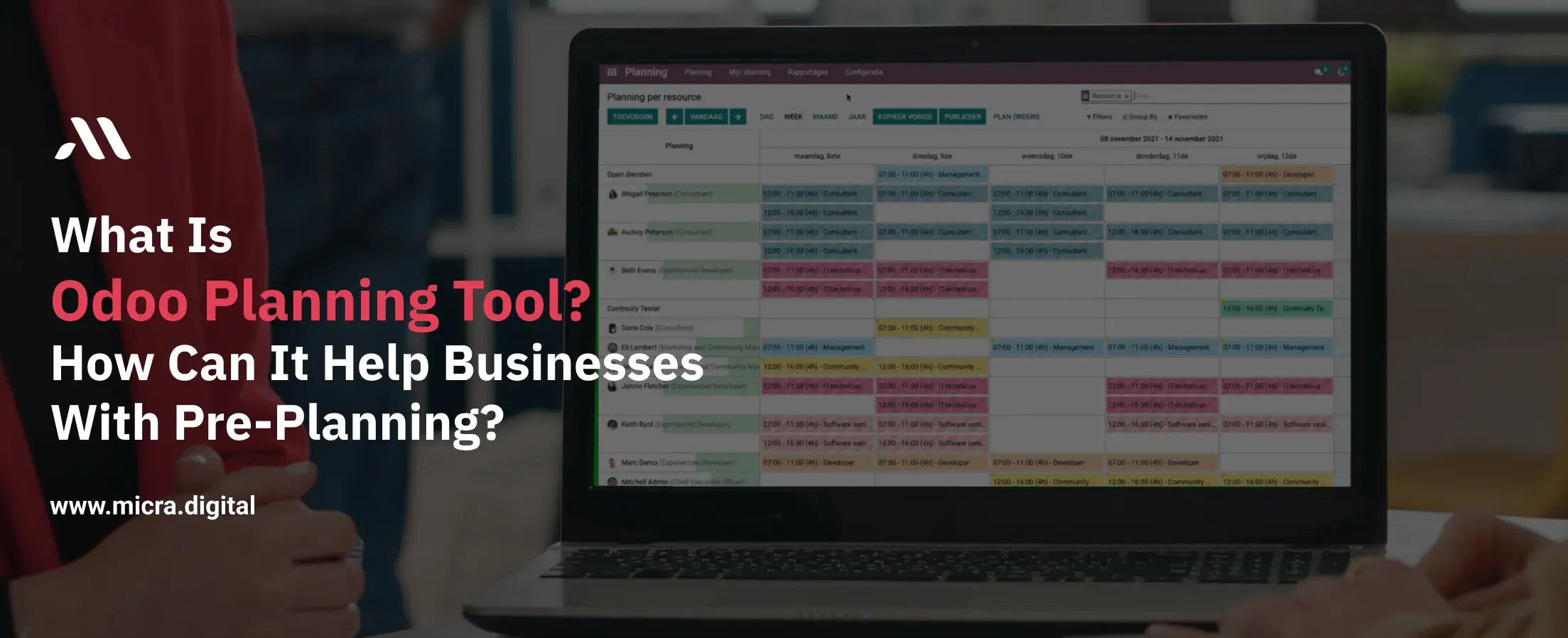
Pre-planning is the backbone of successful operations in any industry. Whether you’re scheduling production runs in manufacturing, organizing staff shifts in a restaurant, managing inventory for retail stores, coordinating academic calendars in education, or planning patient appointments in healthcare, effective pre-planning ensures that resources are optimized, deadlines are met, and teams stay productive.
However, manual planning methods like spreadsheets or paper schedules often lead to errors, wasted time, and missed opportunities.
This is where the Odoo Planning Tool comes in. Designed to simplify and automate scheduling, the Odoo Planning Tool helps businesses with pre-planning by providing a centralized platform to manage resources, forecast needs, and align teams.
In this blog, we’ll explore how this tool works, its key benefits, and how industries like manufacturing, healthcare, and retail can use it to stay ahead.
Also Read: How Odoo Help Desk makes customer assistance better
Without a structured system, businesses face:
The Odoo Planning Tool addresses these issues by automating workflows and providing real-time visibility into operations.
The Odoo Planning Tool is a feature within the Odoo ERP platform that helps businesses create, manage, and optimize schedules. It replaces error-prone spreadsheets with a dynamic system that accounts for employee availability, resource allocation, and business priorities. By centralizing all planning activities, the Odoo Planning Tool ensures teams can collaborate effectively and adapt to changes quickly.
1. Shift Management: Create and assign shifts to employees or resources, ensuring that all tasks are covered appropriately.
2. Gantt Chart Visualization: Utilize Gantt charts to gain a clear overview of schedules, making it easier to identify overlaps or gaps in planning.
3. Recurring Tasks: Set up daily, weekly, or monthly recurring tasks to simplify workflow management.
4. Open Shifts: Leave shifts unassigned and allocate them later using a simple drag-and-drop interface.
5. Integration with Other Odoo Apps: Seamlessly integrate with other Odoo applications like Sales and Project Management to link sold services to roles and shifts.
 (1).jpg)
The Odoo Planning Tool provides drag-and-drop calendars and Gantt charts, making it easy to:
Example: A restaurant uses the Odoo Planning Tool to schedule kitchen staff during peak hours, reducing wait times by 25%.
Tip: Color-code roles (e.g., red for managers, blue for part-time staff) for quick visual reference.
The tool automatically assigns tasks based on:
Stat: Automated scheduling reduces planning time by 50% (Source: Aberdeen Group).
The Odoo Planning Tool helps businesses with pre-planning for future needs by:
Case Study: A retail chain used the Odoo Planning Tool to forecast holiday staffing needs, avoiding $120,000 in overtime costs.
Unexpected changes? The Odoo Planning Tool allows managers to:
The Odoo Planning Tool connects with other modules to streamline workflows:
The tool facilitates better communication among team members by providing a centralized platform where schedules and tasks are visible to all relevant parties. This transparency fosters collaboration and reduces misunderstandings.
Note: Encourage employees to regularly check the planning tool for updates to stay informed about their responsibilities.
Automating the scheduling process reduces the time spent on manual planning, allowing managers to focus on more strategic tasks. Features like recurring tasks and auto-planning streamline operations.
Remember: Automation not only saves time but also minimizes the risk of human error in scheduling.
The drag-and-drop interface and open shifts feature provide the flexibility to adjust schedules easily in response to unforeseen changes, such as employee absences or sudden increases in workload.
Integrating planning with other Odoo applications allows for the collection and analysis of data related to resource utilization, project timelines, and employee performance, aiding in informed decision-making.
Stat: Companies that leverage data-driven decision-making are 5% more productive and 6% more profitable than their competitors.
The Odoo Planning Tool is more than a scheduling app, it’s a strategic asset that helps businesses with pre-planning to save time, reduce costs, and improve efficiency. By automating repetitive tasks, providing data-driven insights, and enabling real-time adjustments, it empowers industries from healthcare to retail to stay agile and competitive.
Ready to enhance your business's planning and scheduling? Explore the Odoo Planning Tool today and take the first step towards streamlined operations.
Yes, the Odoo Planning Tool is designed to be scalable, making it suitable for businesses of all sizes. Small businesses can use it to manage employee schedules, plan inventory, and streamline daily operations without the complexity of large enterprise systems.
Absolutely! The Odoo Planning Tool integrates seamlessly with other Odoo apps like Project Management, Sales, HR, and Inventory, allowing businesses to connect scheduling with different operations.
The tool helps businesses by automating scheduling, reducing conflicts in task assignments, and ensuring optimal resource allocation. It also provides real-time visibility into planned activities, improving overall productivity.
Yes, employees can view their assigned shifts, upcoming tasks, and schedule changes directly through the Odoo interface. This improves communication and ensures everyone stays informed.
Yes, the tool allows businesses to create recurring tasks, set up shift rotations, and adjust schedules as needed. This is particularly useful for industries like manufacturing, healthcare, and retail, where work shifts frequently change.
Let Odoo take your business to the next level!
Contact us and take the next step!
Follow Our Adventures!

Ready to launch your next project?

Company
Copyright © 2020. micra.digital. All rights reserved.