
- Company
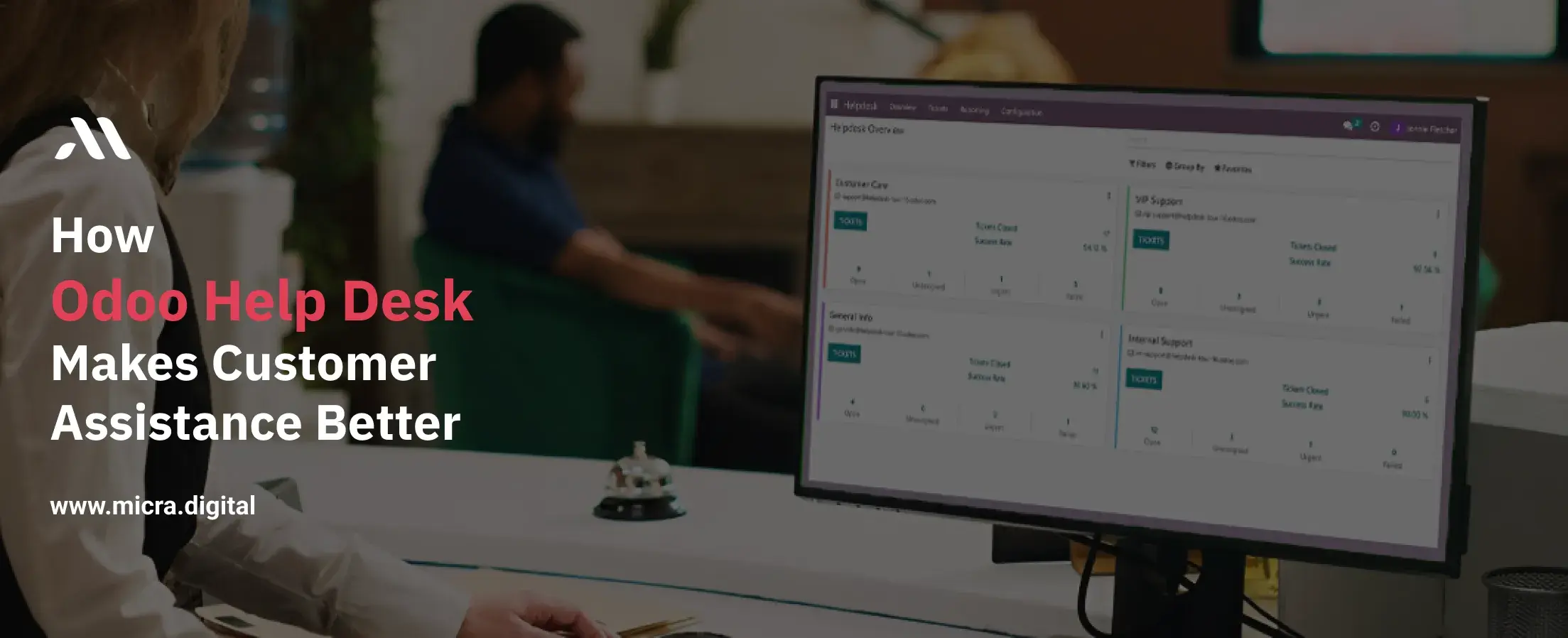
Exceptional customer assistance is the backbone of success for businesses across industries, whether you’re a manufacturer resolving equipment issues, a restaurant handling feedback, a retail store managing returns, a school addressing parent concerns, or a healthcare provider assisting patients.
Poor support systems lead to frustrated customers, lost sales, and damaged reputations. Odoo Help Desk is a powerful tool designed to streamline customer assistance, ensuring businesses deliver timely, organized, and effective support.
In this blog, we’ll explore how Odoo Help Desk transforms customer assistance processes, reduces response times, and boosts satisfaction. We’ll include real-world examples, actionable tips, and data-driven insights customized to industries like manufacturing, retail, healthcare, and education.
Also read: Odoo Field Service management for better efficiency and operations.
Odoo Help Desk is a customer support management tool that allows businesses to track, manage, and resolve customer queries efficiently. Instead of handling emails, calls, and complaints manually, Odoo Help Desk centralizes all requests in one platform, making it easier for teams to respond and assist customers faster.
Businesses without a structured help desk system often face:
Odoo Help Desk addresses these challenges by centralizing support tasks and improving efficiency.
Odoo Help Desk consolidates all customer queries (emails, calls, chat messages) into a single dashboard.
Example: A manufacturing company uses Odoo Help Desk to manage machine repair requests, reducing resolution time by 40%.
Tip: Use color-coded labels to quickly identify high-priority tickets.
Odoo Help Desk reduces manual work by automating repetitive tasks:
Stat: Automation reduces ticket resolution time by 30% (Zendesk).
Empower customers to solve common issues independently:
Case Study: A retail chain reduced support calls by 50% after launching a self-service portal with Odoo Help Desk.
Odoo Help Desk connects to other modules for seamless customer assistance:
Quote: "Odoo Help Desk gives our team instant access to customer data, so we resolve issues faster." – Healthcare IT Manager
Track team efficiency and customer satisfaction with built-in reports:
.jpg)
Customers hate waiting! A slow response time can lead to frustration and negative reviews.
With Odoo Help Desk:
Example:
A retail store receives a complaint about a damaged product. Instead of long email chains, the customer opens a ticket on the Odoo Help Desk. The system assigns it to the right department, ensuring quick resolution without confusion.
Without a help desk, businesses often lose track of customer complaints and queries.
With Odoo Help Desk:
Example:
A restaurant gets multiple reservation inquiries. With Odoo Help Desk, all queries are organized in one dashboard, so the staff never misses a booking request.
Customers today expect support wherever they are, on email, social media, or your website.
With Odoo Help Desk:
Example:
A clothing brand receives order inquiries from Instagram, Facebook, and their website. Instead of checking multiple platforms, Odoo Help Desk gathers all queries in one place, ensuring nothing is missed.
Not every customer issue needs direct support. Some just need quick answers.
With Odoo Help Desk:
Example:
A manufacturing company receives repeated questions about product installation. Instead of answering the same query repeatedly, they set up a step-by-step guide in Odoo Help Desk’s Knowledge Base. Customers now find answers instantly without needing to contact support.
Data helps businesses improve. Without tracking, you don’t know if your customer service is actually working!
With Odoo Help Desk:
Example:
A healthcare clinic notices through Odoo Help Desk reports that 80% of queries are about appointment scheduling. They introduced an online booking system, reducing support requests by 50%.
Odoo Help Desk is not just a tool, it’s a customer service revolution. It helps businesses respond faster, organize customer queries better, and improve overall customer satisfaction.
If you want to improve customer support and grow your business, Odoo Help Desk is the solution you need.
Ready to Upgrade Your Customer Assistance? Get Odoo Help Desk today and take your customer support to the next level!
Would you like help setting up an Odoo Help Desk for your business? Contact Micra Digital today!
Odoo Help Desk is ideal for manufacturing, retail, restaurants, education, and healthcare, but any business that handles customer queries can benefit from it.
Yes! Odoo Help Desk can connect with emails, social media platforms (Facebook, Twitter), and live chat to centralize all customer queries.
Yes, it allows businesses to set auto-replies, assign tickets automatically, and notify customers about updates.
The knowledge base lets businesses create FAQs, guides, and tutorials to help customers find answers on their own.
Odoo Help Desk provides detailed reports on response time, resolution time, ticket volume, and customer satisfaction.
Let Odoo take your business to the next level!
Contact us and take the next step!
Follow Our Adventures!

Ready to launch your next project?

Company
Copyright © 2020. micra.digital. All rights reserved.