
- Company
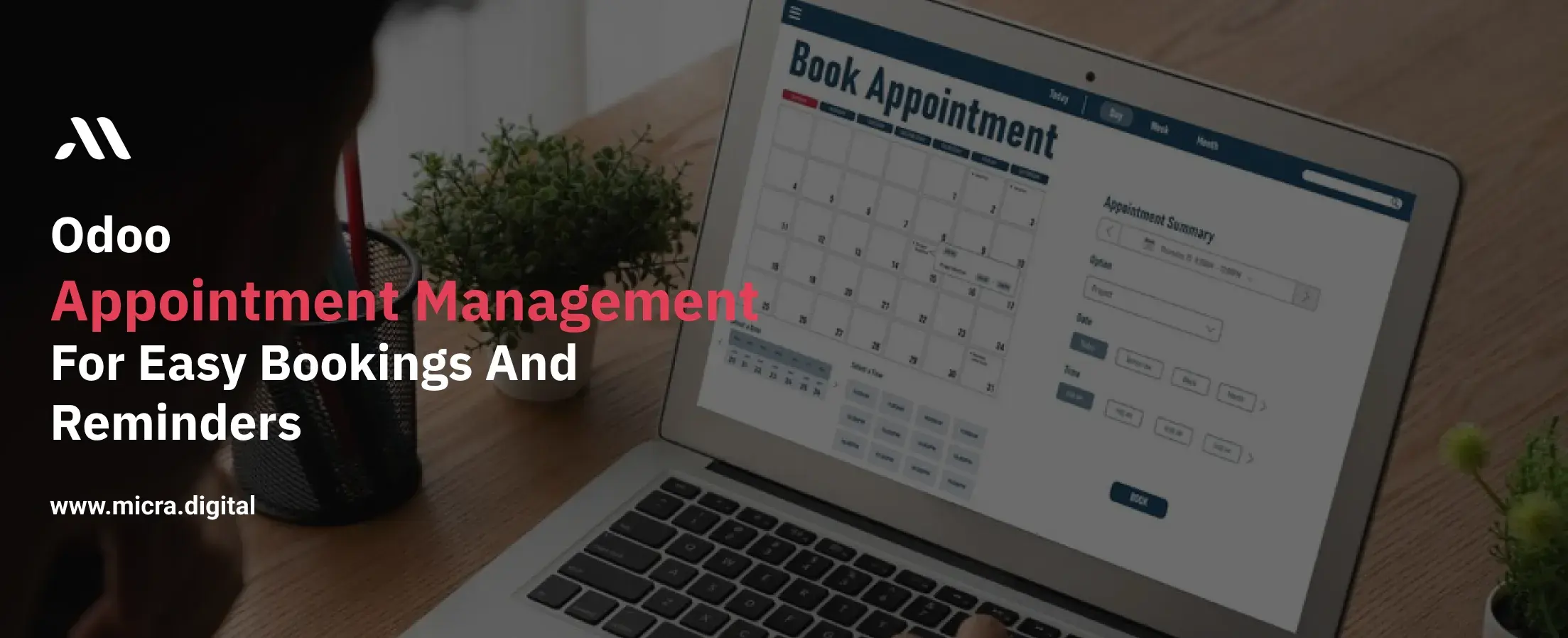
Managing appointments manually can be a time-consuming and error-prone process. Missed appointments, double bookings, and scheduling conflicts create frustration for both businesses and customers. This is where Odoo Appointment Management comes into play, offering a smart solution for easy bookings and reminders.
Whether you run a healthcare clinic, restaurant, retail business, education center, or manufacturing unit, efficient appointment scheduling ensures better time management and improved customer satisfaction.
In this blog, we will explore how Odoo Appointment Management helps businesses manage their schedules effortlessly.
Also Read: What is Odoo Planning Tool? How can it help businesses with pre-planning?
Odoo Appointment Management is a feature-rich tool designed to simplify the scheduling process. It enables businesses to manage bookings, send automated reminders, and avoid scheduling conflicts. Customers can book appointments online, while businesses can set availability, manage resources, and send confirmations instantly.
This tool is particularly beneficial for industries where time-sensitive appointments are critical, such as:
Traditional appointment scheduling methods often lead to:
Missed appointments – Lack of reminders causes no-shows.
Double bookings – Staff accidentally schedule overlapping appointments.
Lack of coordination – Miscommunication between staff and customers.
No real-time availability – Customers have to call or visit to check availability.
Administrative overload – Staff spend hours managing schedules manually.
By automating this process, Odoo Appointment Management ensures easy bookings and reminders, eliminating these challenges.
Without a structured system, businesses face:
Odoo Appointment Management addresses these issues by automating workflows and enabling easy bookings and reminders.
Odoo allows businesses to set up an online booking system where customers can book appointments anytime, anywhere. They no longer need to call or visit in person.
Example:
A dental clinic using Odoo Appointment Management can allow patients to book slots online. The system shows available time slots and prevents double bookings.
Forgetting an appointment is common. Odoo solves this by sending automated reminders via email, SMS, or push notifications to both customers and staff.
Tip: Set up reminders 24 hours before the appointment and another one hour before for maximum efficiency.
Odoo’s system automatically detects scheduling overlaps, ensuring no two appointments clash. The system checks real-time availability and prevents double-booking issues.
Example:
A manufacturing unit can use Odoo to schedule client meetings, equipment servicing, and staff shifts without any conflicts.
Businesses can define working hours, break times, and specific availability for different services. If a business is closed on weekends or only offers certain services on specific days, Odoo allows customized settings.
Example:
A hair salon can set up Odoo Appointment Management to allow haircuts from Monday to Friday and special treatments on weekends only.
Odoo integrates seamlessly with Google Calendar, Outlook, and other Odoo modules like CRM, Sales, and HR, ensuring everything stays in sync.
Example:
A sales team can integrate appointment scheduling with Odoo CRM, ensuring that client meetings are automatically recorded in the system.
Businesses can collect payments during booking using Odoo’s integration with payment gateways like Stripe, PayPal, or bank transfers.
Note: Businesses offering consultations, training sessions, or ticketed services can benefit from prepaid appointments to avoid revenue loss.
Odoo automates the entire scheduling process, allowing staff to focus on essential tasks rather than manual bookings.
Customers enjoy the convenience of online bookings, instant confirmations, and timely reminders, leading to better satisfaction.
With a centralized dashboard, businesses can track appointments, analyze trends, and optimize time management.
Automated reminders ensure customers remember their bookings, minimizing last-minute cancellations.
Odoo provides reports and analytics on appointment trends, peak booking times, and customer preferences, helping businesses make informed decisions.
Odoo Appointment Management is a must-have for businesses looking for easy bookings and reminders. It eliminates scheduling chaos, enhances customer experience, and boosts business efficiency.
By automating appointment scheduling, businesses can focus on providing quality service instead of handling manual bookings. Whether you run a restaurant, healthcare clinic, education center, or manufacturing business, Odoo ensures smooth scheduling and better time management.
Ready to upgrade your appointment system? Get started with Odoo today and experience hassle-free scheduling!
Don’t let manual scheduling slow your business down. Switch to Odoo Appointment Management and enjoy easy bookings and reminders. Book a free demo with Micra Digital today!
Odoo automates the appointment scheduling process, allowing customers to book online while businesses receive real-time updates. It reduces double bookings, prevents scheduling conflicts, and ensures smooth operations.
Yes! Odoo integrates with Google Calendar, Outlook, and other scheduling tools, ensuring all appointments are automatically updated.
Odoo sends reminders via email or SMS before the appointment, ensuring customers do not forget their bookings. This significantly reduces last-minute cancellations and improves attendance.
Yes! Odoo integrates with payment gateways like Stripe and PayPal, allowing businesses to accept payments at the time of booking. This is useful for consultations, event bookings, and paid appointments.
Businesses in healthcare, education, retail, manufacturing, and hospitality can benefit from Odoo’s scheduling system. It ensures efficient booking, better organization, and improved customer satisfaction.
Let Odoo take your business to the next level!
Contact us and take the next step!
Follow Our Adventures!

Ready to launch your next project?

Company
Copyright © 2020. micra.digital. All rights reserved.