
- Company
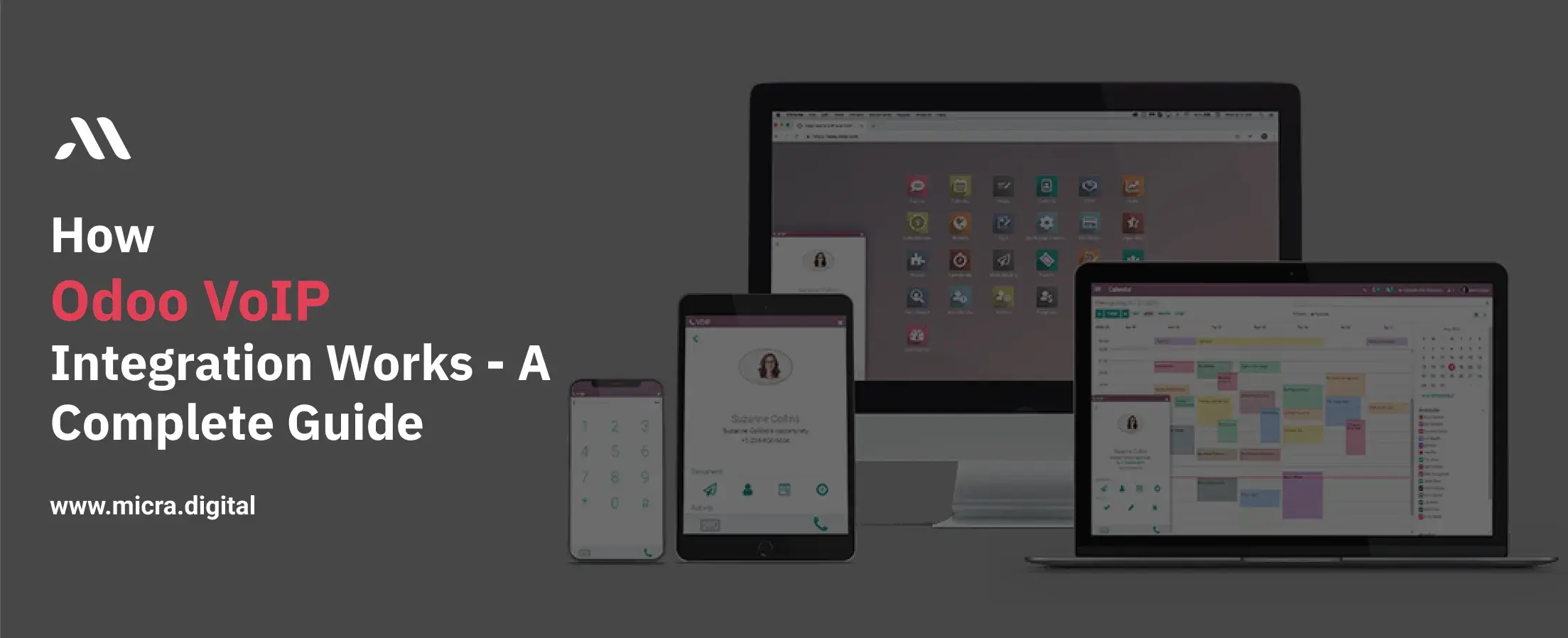
Running a business today means juggling countless tasks, managing orders, coordinating teams, and keeping customers happy. But one thing that often gets overlooked is communication.
Whether it’s a factory manager discussing supply delays, a restaurant owner confirming a bulk order, or a school administrator coordinating parent-teacher calls, poor communication can lead to missed deadlines, frustrated customers, and lost revenue.
This is where VoIP (Voice over Internet Protocol) comes in. By integrating VoIP with Odoo, businesses can turn their ERP system into a powerful communication hub. In this guide, we’ll break down how Odoo VoIP integration works, why it matters for industries like manufacturing, retail, healthcare, and more, and how you can use it to save time, cut costs, and improve collaboration.
Also Read: IoT Integration with Odoo, the Future of Smart Manufacturing
VoIP is a technology that lets you make voice calls using an internet connection instead of traditional phone lines. It converts your voice into digital signals, allowing you to call anyone with a phone number, whether they’re using a landline, mobile, or another VoIP service. Popular examples include Skype, Zoom, and WhatsApp calls.
Why VoIP?
.jpg)
Odoo VoIP integration connects your VoIP system directly to Odoo’s ERP platform. This means you can make calls, manage contacts, and track communication history without leaving Odoo. Here’s a step-by-step breakdown of how Odoo VoIP integration works:
1. Connect Your VoIP Provider: Odoo supports popular VoIP services like Asterisk, Twilio, or SIP providers. Link your account via Odoo’s settings.
2. Sync Contacts: Import customer and supplier contacts from Odoo’s CRM or database into your VoIP system.
3. Make Calls Directly in Odoo: Click a contact’s phone number in Odoo to start a call through your VoIP service.
4. Log Interactions Automatically: Call details (duration, notes) are saved in Odoo for future reference.
5. Use Advanced Features: Set up auto-attendants, call queues, or voicemail based on Odoo data (e.g., route support calls to specific teams).
Example: A retail store manager receives a stock alert in Odoo. With Odoo VoIP integration, they can immediately call the supplier from the same screen to place an urgent order.
Here’s what you gain when your business integrates VoIP with Odoo:
1. Centralized Communication: Manage calls, contacts, and customer notes from a single interface.
2. Real-Time Call Logging: Every call gets logged, whether it’s missed, received, or made.
3. Improved Customer Service: With all call history accessible, your team can offer more personalized support.
4. Click-to-Call: Make calls directly from Odoo CRM or contact records with a single click.
5. Automatic Popups: Incoming calls trigger a popup with the caller’s details, so you're always ready.
6. Cost-Efficient: VoIP typically costs less than traditional phone systems, especially for long-distance communication.
Let’s break down how Odoo VoIP integration works in a simple way:
Start by installing the “VoIP” module from the Odoo App store. This is the base for connecting your phone system to Odoo.
Odoo works best with providers like Asterisk (open-source PBX system) or cloud-based services like Twilio. You’ll need the following:
Tip: If you don’t have an in-house PBX system, Twilio is a user-friendly option to start with.
Go to the Odoo VoIP settings and input your SIP credentials. Make sure the port and server settings match those of your provider.
Odoo uses WebRTC (Web Real-Time Communication) for in-browser calling. Ensure your browser supports it (Google Chrome is recommended).
After configuring your SIP details, test the connection. Try making a call to a test number or your mobile.
Once working, you can link your VoIP system with Odoo CRM, Helpdesk, and even the Sales module. Every incoming or outgoing call can be logged against customer records.
Manufacturers deal with complex supply chains and tight deadlines. Odoo VoIP integration helps teams:
Tip: Use Odoo VoIP integration to create automated alerts for inventory shortages.
Busy kitchens and front-of-house teams need instant communication. Odoo VoIP integration allows:
Retailers use Odoo VoIP integration to bridge online and in-store operations:
Stat: 74% of retailers say VoIP improves customer satisfaction (Retail TouchPoints).
Schools and universities handle hundreds of daily calls from parents, staff, and vendors. Odoo VoIP integration simplifies this by:
Note: Ensure compliance with student privacy laws when recording calls.
Clinics and hospitals rely on timely communication for patient care. Odoo VoIP integration helps:
Stat: Healthcare providers using VoIP report 30% fewer missed appointments (HealthTech Magazine).
Tip: Use a stable, high-speed internet connection and a good headset.
Tip: Work with a VoIP provider that offers Odoo integration support.
Tip: Assign automatic follow-up tasks for missed calls in Odoo CRM.
As VoIP technology evolves, Odoo VoIP integration will likely offer:
By 2026, the VoIP market is expected to grow by 15% annually (Market Research Future), making Odoo VoIP integration essential for staying competitive.
With businesses becoming more remote, fast-paced, and customer-focused, having your communication tools inside your business system is no longer optional; it’s essential.
VoIP integration with Odoo is more than a tech feature, it’s a way to save time, build better relationships, and never lose track of an important call again.
Whether you’re in manufacturing, retail, hospitality, education, or healthcare, this is your chance to upgrade how your business talks.
If you’re still managing calls manually or using disconnected systems, now is the time to make the switch.
VoIP integration with Odoo offers a better, smarter way to communicate, all within your existing ERP. Contact Micra Digital for more details.
Not all. Odoo works best with providers that support SIP and WebRTC. Asterisk, Twilio, and OnSIP are commonly used.
No. As long as your browser supports WebRTC (like Chrome), you can call directly from Odoo.
The VoIP module is free in Odoo, but you’ll need a paid VoIP provider for SIP access and calling services.
Yes, depending on your VoIP provider and setup. These can also be linked back to customer records in Odoo.
Yes. Each user can have their own SIP credentials, and calls can happen in parallel without issues.
Let Odoo take your business to the next level!
Contact us and take the next step!
Follow Our Adventures!

Ready to launch your next project?

Company
Copyright © 2020. micra.digital. All rights reserved.