
- Company
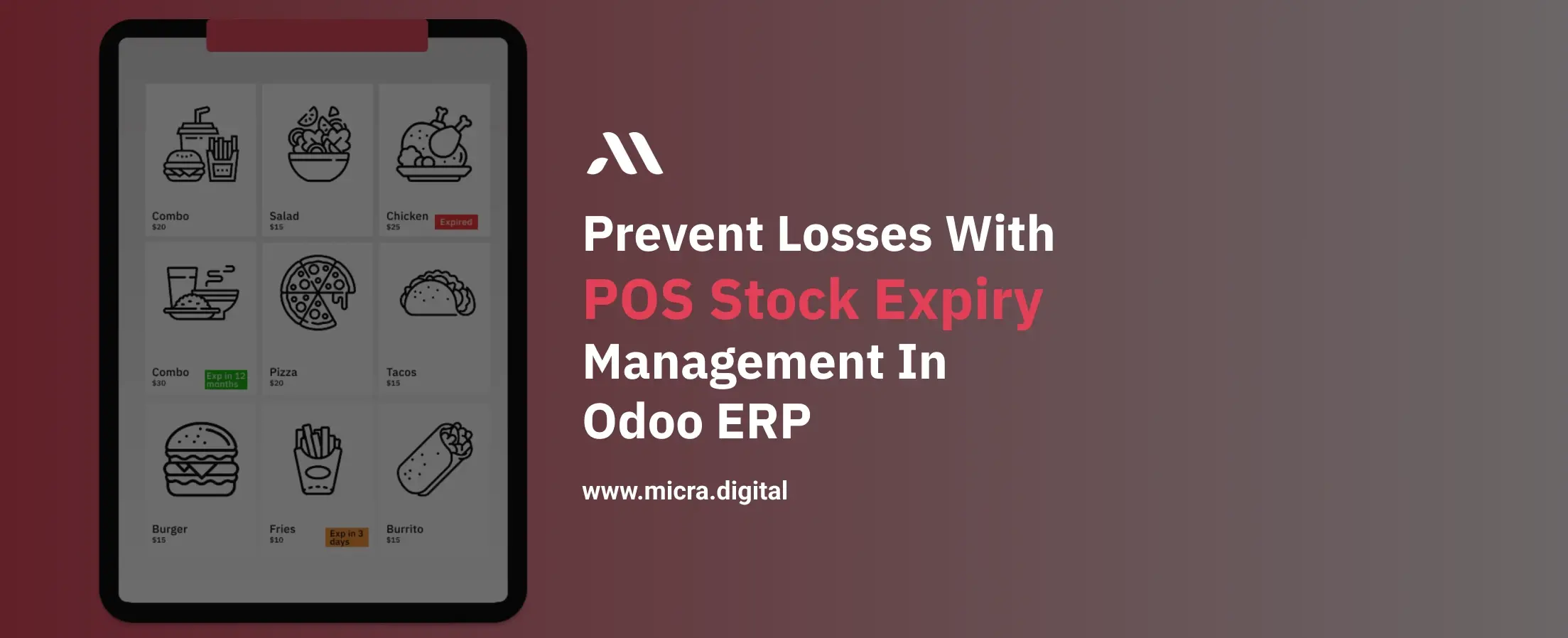
In industries like retail, pharmaceuticals, and food & beverages, selling expired products is not just a loss; it’s a serious risk. It can lead to financial damage, customer dissatisfaction, and compliance issues.
However, in standard POS systems, tracking product expiry during billing is often difficult. Cashiers may not have real-time visibility of batch or lot expiration, increasing the chances of errors.
This is where POS Stock Expiry Management in Odoo ERP, developed by Micra Digita, becomes essential. With real-time expiry alerts directly inside the POS screen, businesses can prevent losses and ensure safe product sales.
POS Stock Expiry Management is a smart feature in Odoo 17 POS that allows businesses to monitor product expiration dates directly during billing.
It displays:
All of this is visible inside the POS interface, so cashiers can make the right decision instantly.
Many businesses face challenges like:
Without real-time expiry tracking, these issues can impact both profitability and brand reputation.
The POS Stock Expiry Alert module solves this problem by bringing expiry tracking directly into the POS system.
Now, cashiers can:
This ensures faster billing, better accuracy, and zero risk of selling expired items.
The system automatically reads the expiration date and calculates the remaining days for each product lot.
Products are categorized as:
This helps in quick decision-making during billing.
Expiry status is displayed as a visual badge on product cards, making it easy for cashiers to instantly identify stock condition.
The module works seamlessly with:
All available lots are automatically loaded when the POS session starts, ensuring real-time accuracy.
Cashiers can view expiry details directly in POS, no need to switch to the Inventory module.
When a POS session begins, the system loads all product lots and prepares expiry data.
The system calculates remaining days based on the lot’s expiration date and assigns a status.
Cashiers see expiry badges and alerts while selecting products, helping them avoid expired stock instantly.
Avoid selling expired products and reduce wastage.
Ensure only fresh and valid products are sold.
No need to check expiry manually or switch modules.
Identify near-expiry stock and plan promotions or clearance.
Stay compliant with industry standards and regulations.
This module is highly beneficial for:
Micra Digital develops smart, practical Odoo modules that solve real-world business challenges.
With our solutions, you get:
We help businesses reduce risks, save costs, and improve customer experience.
Expiry management is not optional; it’s essential for any business dealing with perishable or time-sensitive products.
With POS Stock Expiry Management in Odoo ERP, you can bring expiry tracking directly to your billing counter, eliminate errors, and protect your business from unnecessary losses.
If you want a smarter, safer, and more efficient POS system, this module is the right investment.
It is a feature that displays product expiry details directly in the POS system to prevent selling expired items.
Yes, expiry dates and status are visible on the POS screen while selecting products.
Yes, it works with both lot numbers and serial numbers.
It shows alerts and expiry status, helping cashiers avoid selecting expired batches.
Yes, the module is fully compatible with Odoo 17.
Let Odoo take your business to the next level!
Contact us and take the next step!
Follow Our Adventures!

Ready to launch your next project?

Company
Copyright © 2020. micra.digital. All rights reserved.