
- Company
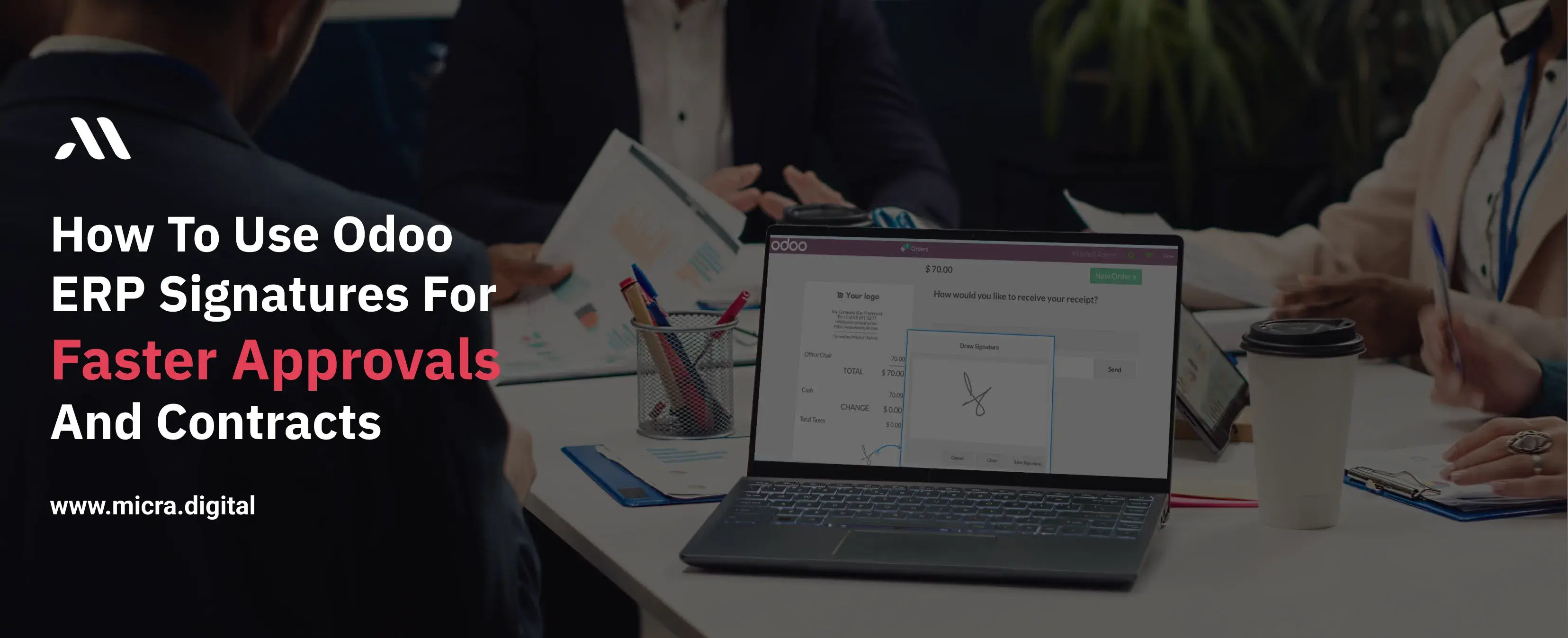
In today’s business world, waiting for document approvals can slow down operations, cause unnecessary delays, and affect business deals.
Printing, signing, scanning, and emailing contracts is a tedious process that wastes both time and resources.
That’s where Odoo ERP’s digital signature feature comes in. It helps businesses sign documents quickly, speed up contract approvals, and go paperless—all while keeping documents secure and legally valid.
This blog will guide you on how to use Odoo ERP signatures for faster approvals and contracts, helping businesses in manufacturing, restaurants, retail, education, and healthcare simplify paperwork and improve efficiency.
Whether you run a manufacturing company, a restaurant, or an educational institution, contracts and approvals are a daily necessity. Some common documents that require signatures include:
.webp)
Traditionally, getting signatures on these documents required physical paperwork, courier services, and follow-ups, which often resulted in delays and errors.
The Solution: Odoo ERP Digital Signatures
With Odoo ERP’s digital signature feature, businesses can send, sign, and approve documents electronically in just a few clicks—no printing, scanning, or mailing required.
Using Odoo’s signature feature is simple. Here’s a step-by-step guide to using Odoo ERP signatures for contracts and approvals:
Step 1: Upload the Document
Start by uploading the document that needs to be signed. Odoo supports various file formats, including PDFs.
Step 2: Add Signature Fields
Use Odoo’s drag-and-drop feature to place signature fields wherever needed. You can add fields for:
Step 3: Assign Signers
Enter the names and email addresses of the people who need to sign the document. Multiple signers can be added for approvals involving different teams or departments.
Step 4: Send for Signature
Click send, and each recipient will receive an email with a link to review and sign the document.
Step 5: Sign and Approve
Recipients can sign the document digitally by:
Once signed, Odoo automatically saves the document and updates the status.
Step 6: Track and Store Securely
Odoo lets you track who has signed and who hasn’t, sending automatic reminders to pending signers. Once completed, the signed document is stored securely in Odoo’s document management system for easy access.
No more waiting for physical paperwork to be signed and returned. Contracts are approved in minutes, not days.
Save money on printing, paper, courier services, and storage by switching to digital signatures.
Odoo ERP’s digital signatures comply with international e-signature laws, including eIDAS (Europe), UETA, and the ESIGN Act (USA).
See who has signed the document and send automatic reminders to pending signers.
All signed documents are securely stored in Odoo ERP, making them easy to find when needed.
Using Odoo ERP signatures for contracts and approvals can save time, cut costs, and enhance security.
Businesses in manufacturing, retail, restaurants, education, and healthcare can speed up document approvals, reduce paperwork, and ensure legal compliance with this simple and efficient tool.
Start using Odoo ERP digital signatures today and take a step towards a paperless business!
Don’t let paperwork slow you down! Go digital with Odoo ERP signatures and get approvals in minutes. Contact Micra Digital today for a free demo!
1. Are digital signatures legally valid?
Yes, Odoo ERP’s digital signatures comply with international e-signature laws, including eIDAS, UETA, and the ESIGN Act.
2. Can multiple people sign the same document?
Yes, you can send a document to multiple users for signatures and track who has signed it.
3. Is Odoo’s digital signature secure?
Yes! Odoo uses encryption and authentication to ensure documents remain tamper-proof and secure.
4. Can I sign documents from my phone?
Yes! Odoo’s digital signature module works on desktops, tablets, and smartphones, allowing users to sign in from anywhere.
5. How do Odoo ERP signatures compare to third-party e-signature services?
Unlike third-party platforms, Odoo’s digital signature tool is fully integrated with the Odoo ERP system, allowing smooth approvals without additional costs.
Let Odoo take your business to the next level!
Contact us and take the next step!
Follow Our Adventures!

Ready to launch your next project?

Company
Copyright © 2020. micra.digital. All rights reserved.