
- Company
Invoicing is at the core of any business, whether it’s manufacturing, restaurants, retail, education, or healthcare. However, managing invoices manually or using outdated software often leads to errors, inefficiencies, and wasted time.
With Odoo ERP, businesses can simplify and automate the entire invoicing process, ensuring accuracy, speed, and professionalism in every transaction.
This blog will explore how Odoo ERP helps businesses create and manage professional invoices effortlessly, ensuring you focus on growth while the system handles the details.
Before diving into how Odoo ERP helps, let’s discuss why professional invoices matter for your business:
Odoo ERP is a comprehensive solution for all your business operations, including professional invoicing. Its user-friendly and customizable invoicing module simplifies everything from creating to managing invoices. Whether you’re in retail, manufacturing, education, or healthcare, Odoo ERP adapts to fit your needs.
Key Features of Odoo ERP for Invoicing
1. Easy Invoice Creation
2. Customizable Templates
3. Automated Payment Reminders
4. Integration with Other Modules
5. Multi-Currency Support
6. Analytics and Reports
7. Mobile-Friendly
Step 1: Setting Up Your Invoice Template
Step 2: Creating an Invoice
Step 3: Sending the Invoice
Step 4: Tracking Payments
Step 5: Generating Reports
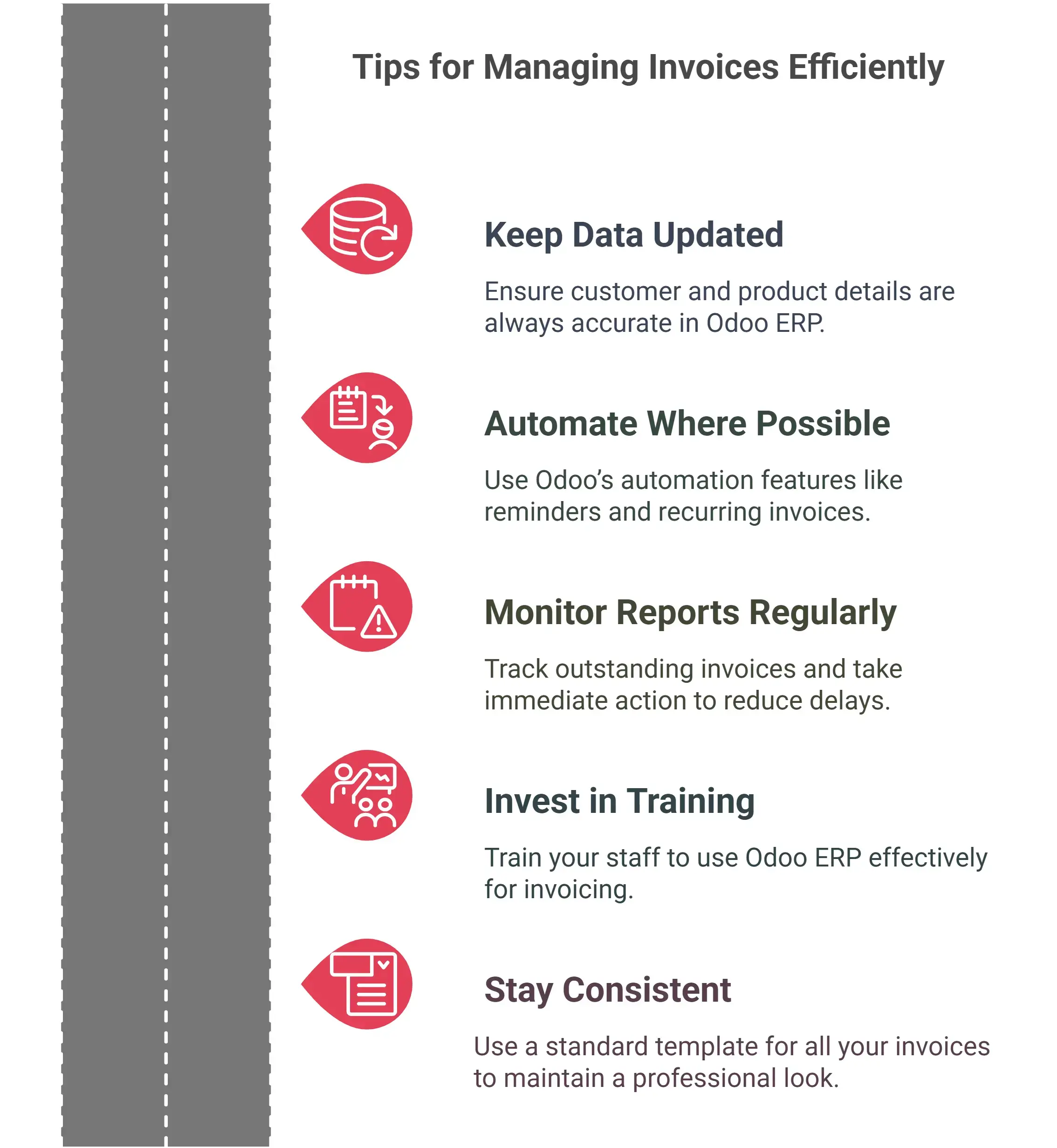
1. Saves Time
Automated processes like payment reminders and invoice generation save hours of manual work.
2. Reduces Errors
With built-in validations and automated calculations, the chances of errors are significantly reduced.
3. Enhances Cash Flow Management
Timely and accurate invoicing ensures faster payments, improving cash flow for your business.
4. Improves Customer Relationships
Clear, professional invoices leave a positive impression on your customers.
5. Scales with Your Business
Odoo ERP grows with your business, making it ideal for small and medium enterprises looking to expand.
Notes
Professional invoicing is a must for any business, and Odoo ERP makes it easier than ever. With its powerful features, you can save time, reduce errors, and focus on growing your business. Whether you’re in manufacturing, restaurants, retail, or healthcare, Odoo ERP has got you covered.
Ready to Modernize Your Invoicing Process?
Get started today and transform how you handle your business operations.
1. What is Odoo ERP, and how does it help with invoicing?
Odoo ERP is a business management software that simplifies operations like invoicing. It helps create professional invoices, automate reminders, and track payments efficiently.
2. Can Odoo ERP handle multi-currency transactions for invoicing?
Yes, Odoo ERP supports multi-currency transactions, making it perfect for businesses dealing with international clients.
3. Is Odoo ERP suitable for small businesses?
Absolutely! Odoo ERP is scalable and customizable, making it ideal for small and medium enterprises across industries.
4. How does Odoo ERP improve cash flow?
By automating invoicing and payment reminders, Odoo ERP ensures timely payments, reducing cash flow issues.
5. Can I customize my invoice templates in Odoo ERP?
Yes, Odoo ERP allows you to customize invoice templates with your logo, colors, and other branding elements.
Let Odoo take your business to the next level!
Contact us and take the next step!
Follow Our Adventures!

Ready to launch your next project?

Company
Copyright © 2020. micra.digital. All rights reserved.