
- Company
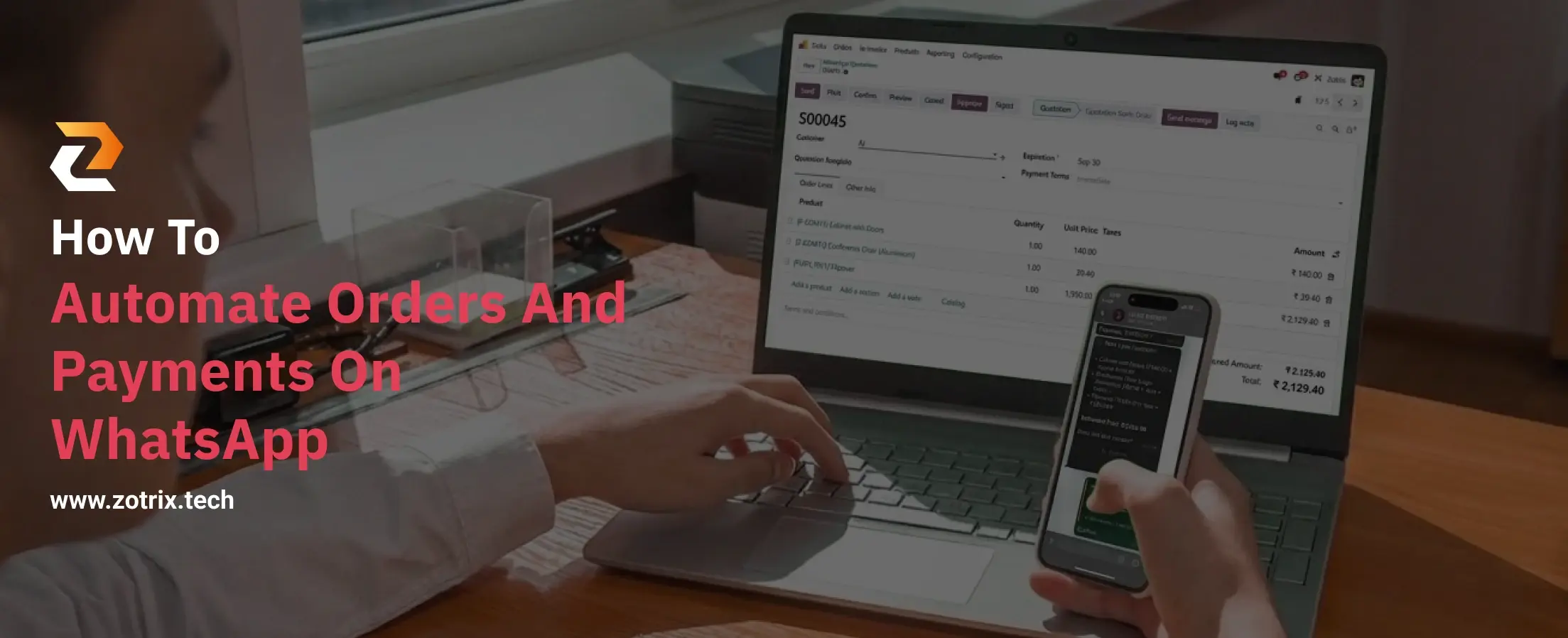
WhatsApp has become an important communication channel for businesses of all sizes. Customers use it to ask about products, request prices, place orders, and make payments. However, managing every conversation manually can become difficult as the number of customers increases.
A customer may place an order at night, request a quotation, wait for confirmation, and then need a payment link. If every step depends on a salesperson being available, orders can be delayed, and payments missed.
This is where WhatsApp automation can make a major difference.
By automating the journey from order placement to payment collection, businesses can reduce repetitive work, respond faster, and create a smoother buying experience.
WhatsApp order automation allows businesses to manage customer orders through predefined digital workflows instead of handling every step manually.
A typical automated workflow can look like:
Product Selection → Order Placement → Order Confirmation → Payment Link → Payment Confirmation → Invoice
Instead of employees manually managing each stage, automation connects these steps and keeps the process moving.
For businesses that already receive a large number of orders through WhatsApp, this can turn WhatsApp from a simple communication tool into a business sales channel.
Manual order processing can create several problems:
WhatsApp automation helps businesses handle these repetitive tasks more efficiently.
The result?
Faster order processing + easier payment collection + less manual work.
The first step is to make it easy for customers to discover your products.
A digital catalog can display:
Customers can browse the catalog and select the products they want without waiting for a salesperson to manually send product information.
For manufacturers, wholesalers, distributors, and retailers, this can make repeat ordering significantly easier.
Once customers select their products, they should be able to submit their order through the WhatsApp workflow.
Instead of receiving messages such as:
"Send me 20 pieces of the blue one."
the system can capture structured information such as:
Product: Blue Shirt
Size: Large
Quantity: 20
This reduces confusion and minimizes manual data entry.
After the customer submits an order, an automated confirmation can be sent through WhatsApp.
For example:
Order Received!
Your order has been successfully placed.
Order #1025
20 × Blue Shirts
Total: ₹25,000
This immediately reassures the customer that their order has been received.
Getting an order is only one part of the sales process.
The next step is collecting payment.
Instead of manually asking for payment.
Businesses can automatically send a payment link after order confirmation.
The workflow can be:
Order Confirmed → Payment Link Generated → Customer Pays → Payment Confirmed
Depending on the payment solution being used, businesses can provide customers with convenient digital payment options.
Once payment is successfully received, customers should receive an immediate confirmation.
For example:
Payment Received
We've received your payment of ₹25,000 for Order #1025.
Your order is now confirmed and will be processed shortly.
This eliminates the need for employees to manually check and confirm every payment with customers.
The next step is documentation.
Once payment is confirmed, businesses can automatically generate an invoice or receipt and send it to the customer.
A typical workflow becomes:
Payment Received → Invoice Generated → PDF Sent on WhatsApp
This saves administrative time and gives customers immediate access to their transaction documents.
WhatsApp automation is particularly useful for B2B businesses because customers often place repeat or bulk orders.
For example, a retailer may regularly order products from a distributor.
Instead of calling the sales representative every time, they can:
Open Catalog → Select Products → Choose Quantity → Place Order → Make Payment
This creates a faster and more structured ordering process.
Zotrix is designed to help businesses automate their WhatsApp-based sales workflow.
Instead of using WhatsApp only for chatting with customers, Zotrix helps businesses manage important parts of the customer journey directly through WhatsApp.
Digital Product Catalogs
Give customers an easy way to browse products and select quantities.
Order Management
Receive and manage customer orders through WhatsApp.
Payment Collection
Share payment links and simplify the payment process.
PDF Invoicing
Generate and send invoices or receipts after successful transactions.
The overall workflow can be:
Catalog → Order → Confirmation → Payment → Invoice
All through a streamlined WhatsApp experience.
Your team doesn't need to manually handle every order, confirmation, or payment message.
Automated workflows can continue operating even when your team isn't immediately available.
Orders can be captured through a structured process instead of getting lost among hundreds of conversations.
Automated payment links reduce the need for repetitive payment follow-ups.
Customers can complete more of the buying journey through a platform they already use.
Automation allows your business to handle more customer interactions without increasing manual workload at the same rate.
You may also find this helpful: Best WhatsApp Automation Software for Businesses in 2026
Sending automated replies isn't enough if your order and payment processes are still manual.
Customers should be able to understand the buying process quickly.
Payment information should ideally be connected to the corresponding transaction.
Automation should make buying easier, not create unnecessary steps.
If your catalog, orders, payments, and invoices are managed across different platforms, the process can become complicated. A connected workflow is usually easier to manage.
WhatsApp order and payment automation can help businesses turn everyday customer conversations into a structured sales workflow.
Instead of relying on employees to manually manage every step, businesses can automate:
Product Discovery → Order Placement → Confirmation → Payment → Invoice
This can save time, reduce repetitive work, improve payment collection, and help businesses operate more efficiently.
With Zotrix, businesses can take this automation further by turning WhatsApp into a complete business channel for digital catalogs, order management, payment collection, and PDF invoicing.
Your customers are already on WhatsApp.
Now let your business work there too.
Zotrix - Turn Your WhatsApp into a Business App.
Yes. Businesses can use WhatsApp automation to share digital catalogs, capture product selections, collect order details, and send automated order confirmations.
Yes. WhatsApp automation workflows can send payment links to customers and trigger payment-related confirmations once transactions are completed, depending on the payment integration.
Yes. Manufacturers, wholesalers, distributors, and suppliers can use WhatsApp automation to simplify bulk and repeat ordering, payment collection, and customer communication.
Yes. With Zotrix, invoices or PDF receipts can be generated after an order or successful payment and shared with customers through WhatsApp.
Zotrix helps businesses manage the journey from digital product catalog and order placement to payment collection and PDF invoicing, making WhatsApp a more powerful business channel.
Let Odoo take your business to the next level!
Contact us and take the next step!
Follow Our Adventures!

Ready to launch your next project?

Company
Copyright © 2020. micra.digital. All rights reserved.